TimeBreak
Focus in blocks. Break on time.
TimeBreak is a Pomodoro timer for iPhone, iPad and Mac. Choose how long you work, how long you rest and how many rounds make a session, then let the dial count each block down. Your history, your Reminders and a timer in the Mac's menu bar sit right beside it.
The timer
A dial that counts the block down.
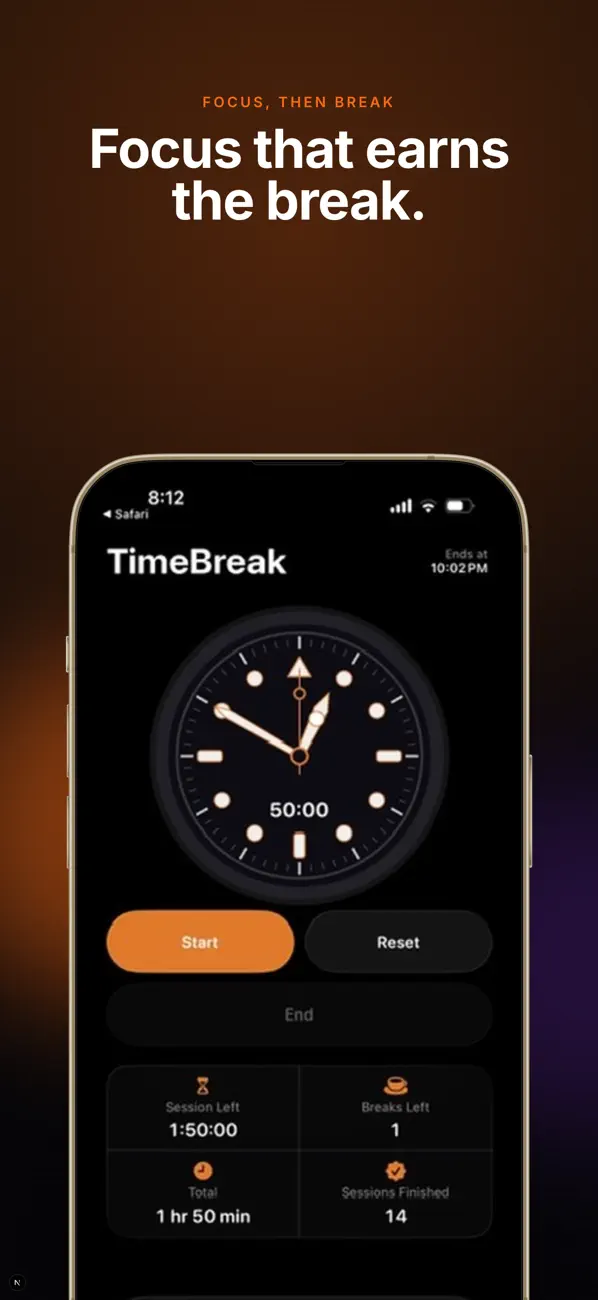
The timer is drawn like a dive watch, with lume markers and a ring around the bezel in your accent colour that shrinks as the block runs out. Below it: the time left in the session, the breaks still to come, and the time you'll finish.
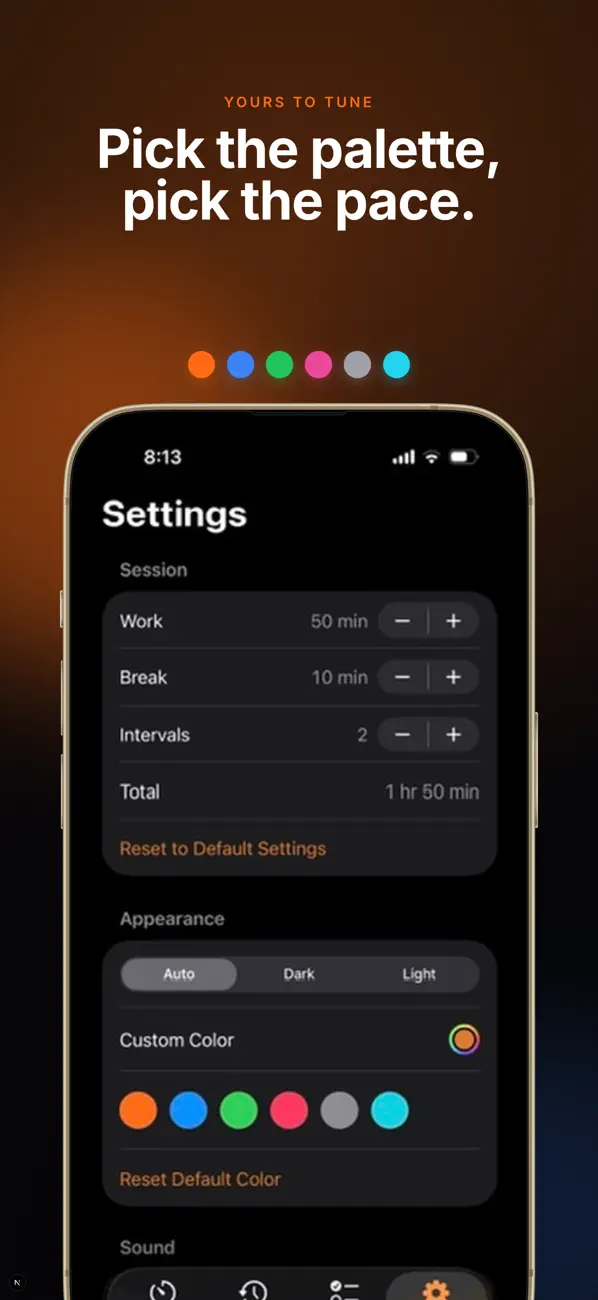
- Work, break and the number of intervals are yours to set: 50 and 10 minutes, twice, to start
- Pause, reset, or end a session early
- Session settings lock while the timer runs, so a stray tap can't change it
Lock Screen and menu bar
The countdown comes with you.
On iPhone, a Live Activity keeps the time left on the Lock Screen and in the Dynamic Island, with buttons to pause, resume or end. On the Mac, the countdown sits in the menu bar and turns green during a break; click it for the dial and every setting.
- A sound and a notification when a break starts, work resumes and the session ends
- Four sounds to choose from, with their own volume
History
See your week add up.
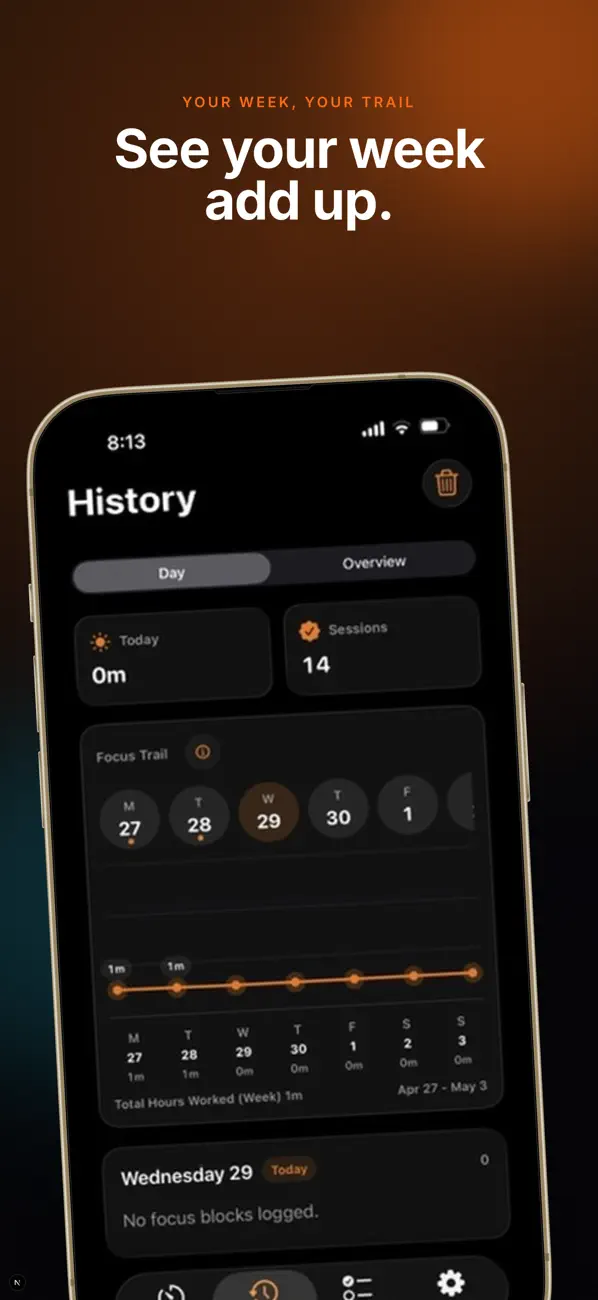
Every work block and break is logged. The day view shows today's focus time and finished sessions over a Focus Trail of minutes for each day of the week, and the overview totals each week and month.
- A Focus Trail widget for the Home Screen, in your accent colour
- History and settings follow you between devices through iCloud
- Clear a day, a week or everything
Reminders
Tick tasks off as you focus.
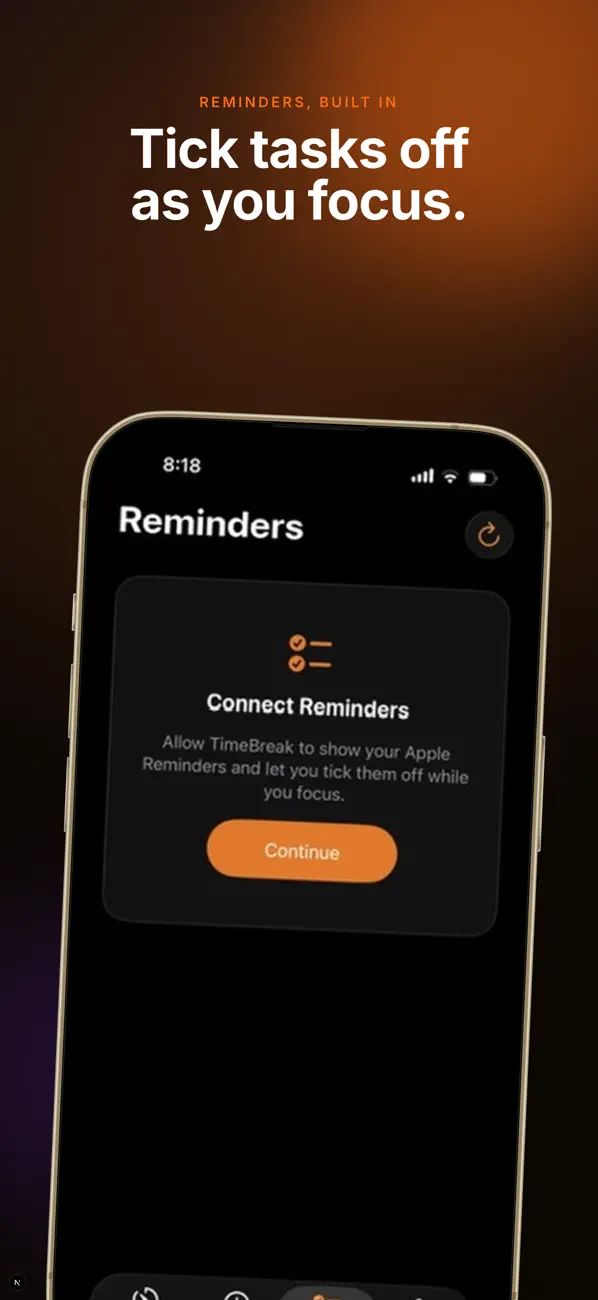
TimeBreak shows your Apple Reminders next to the timer, with counts for what's open, due today and overdue. Pick a list, add or edit a reminder, and tick it off without leaving the app.
And the details.
- 50 / 10minutes of work and break to start, then set your own
- 12months of focus history kept
- 4timer sounds, every one synthesised in code
Your colour
Six preset accents or any colour you pick, carried through the dial, the app and the widget.
Light or dark
Follows the system, or stays light or dark.
Ends at
The time your session will finish, always on screen.
iPad and Mac
The same four tabs on every device, plus the menu bar timer on the Mac.
Dynamic Island
The phase and time left, with Pause and End one press away.
Week and month
Totals for any week or month, and every day's focus at a glance.
How it's built
Swift, SwiftUI, WidgetKit.
TimeBreak is one SwiftUI codebase for iPhone, iPad and Mac. A WidgetKit extension holds the Live Activity and the Focus Trail widget, App Intents drive the Live Activity's buttons, and EventKit connects to Reminders.
- Swift
- SwiftUI
- WidgetKit
- ActivityKit
- AppIntents
- EventKit
Time kept by dates
The timer stores when each phase ends rather than counting ticks. One timer fires at each phase's end, and after time in the background it catches up through every phase that finished, without replaying old sounds. The ring is a single Core Animation sweep to zero.
Sounds without audio files
Each chime is three sine notes with a soft attack and decay, written as WAV in memory, pitched higher when work resumes and higher again when the session ends. The app ships no sound files.
Sync without a server
History and settings live in iCloud's key-value store. Changes from another device merge entry by entry, and the history trims its oldest entries to stay inside the store's size limit.